
SCIM user provisioning
Completion requirements
Automated provisioning
SCIM keeps your Academy roster in sync with your directory automatically — creating, updating, and deactivating accounts as people join, change roles, or leave.
Setup
- Generate a SCIM bearer token in Site administration → Server → Web services
- Enter the SCIM base URL and token in your IdP's provisioning tab
- Assign the Academy app to the groups you want synced
Deactivations propagate within 15 minutes, so off-boarded staff lose access promptly without a manual step.
The admin console
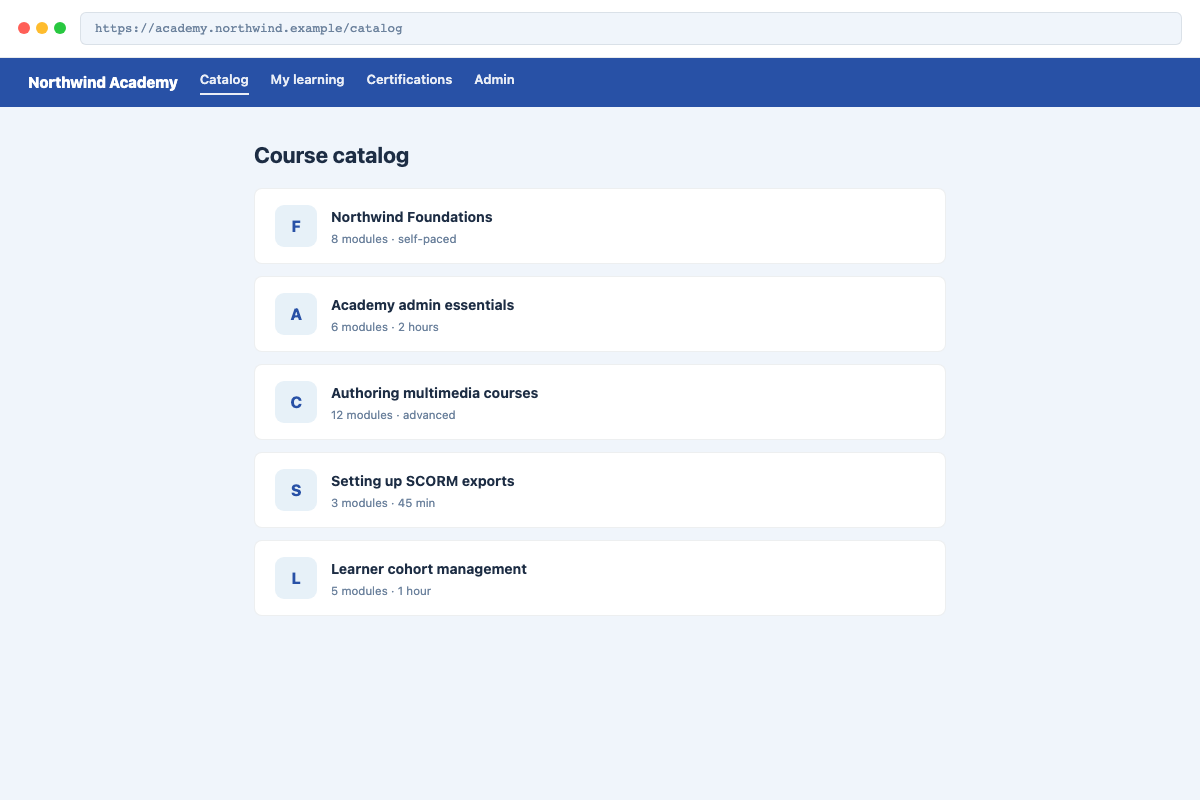
Provisioning settings live in the Northwind admin console, shown below:
Last modified: Tuesday, 23 June 2026, 2:08 AM